what3words in Sensat: make that site visit even more targeted
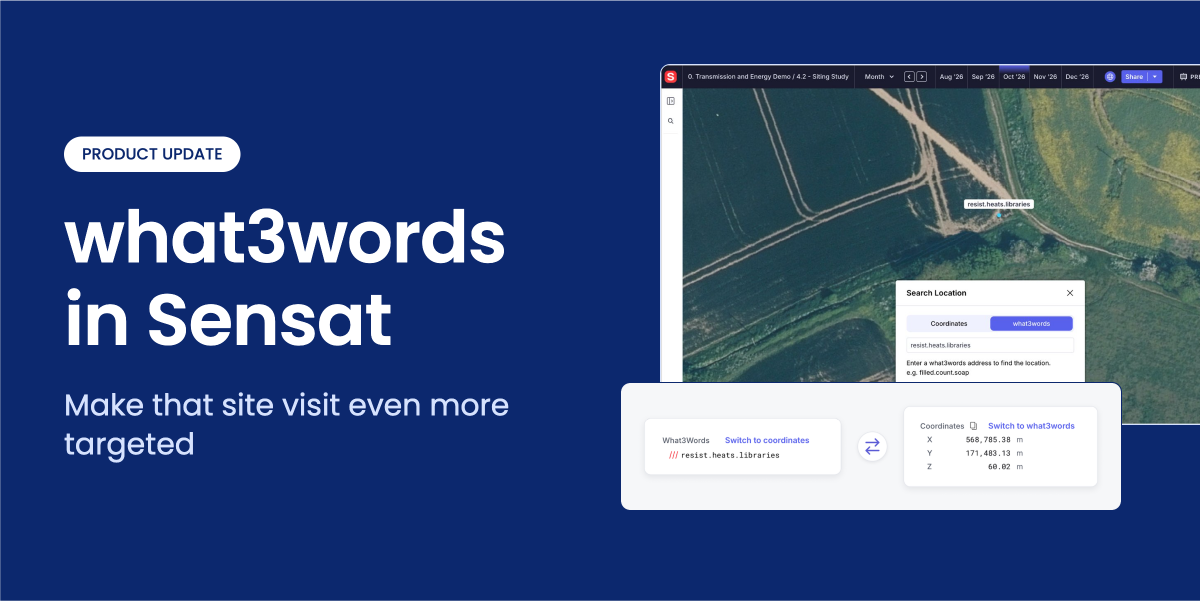
Sensat now supports what3words. Find the 3-word address of any point or photo markup or search a 3-word address to fly straight to the spot.
"Which gate did you mean?"
Picture this, your site team is in a remote field and need to tell the office exactly where the access point is. Someone starts reading out a long string of coordinates over the phone, needing to repeat themselves every three digits. By the time they've got it right, they could probably have driven there themselves.
Most field teams don't work in coordinates, they use what3words instead. On transmission projects it's increasingly used in emergency plans to pinpoint towers where there's no address.
We saw an opportunity to bring these two ways of working together in Sensat. Previously, getting from a 3-word address to the right place in Sensat meant looking it up elsewhere and placing a point by eye or converting it to coordinates. And there was no way to get the 3-word address for something you'd already marked up.
Now, you can do both directly in Sensat.
How it works
what3words divides the world into 3m squares and gives each one a unique 3-word address, such as ///filled.count.soap. Sensat now works with it in two ways.
- Get the address of a markup. Open any point or photo markup and you'll find a what3words row in its Properties panel. Click Find the what3word address, then copy it to share.
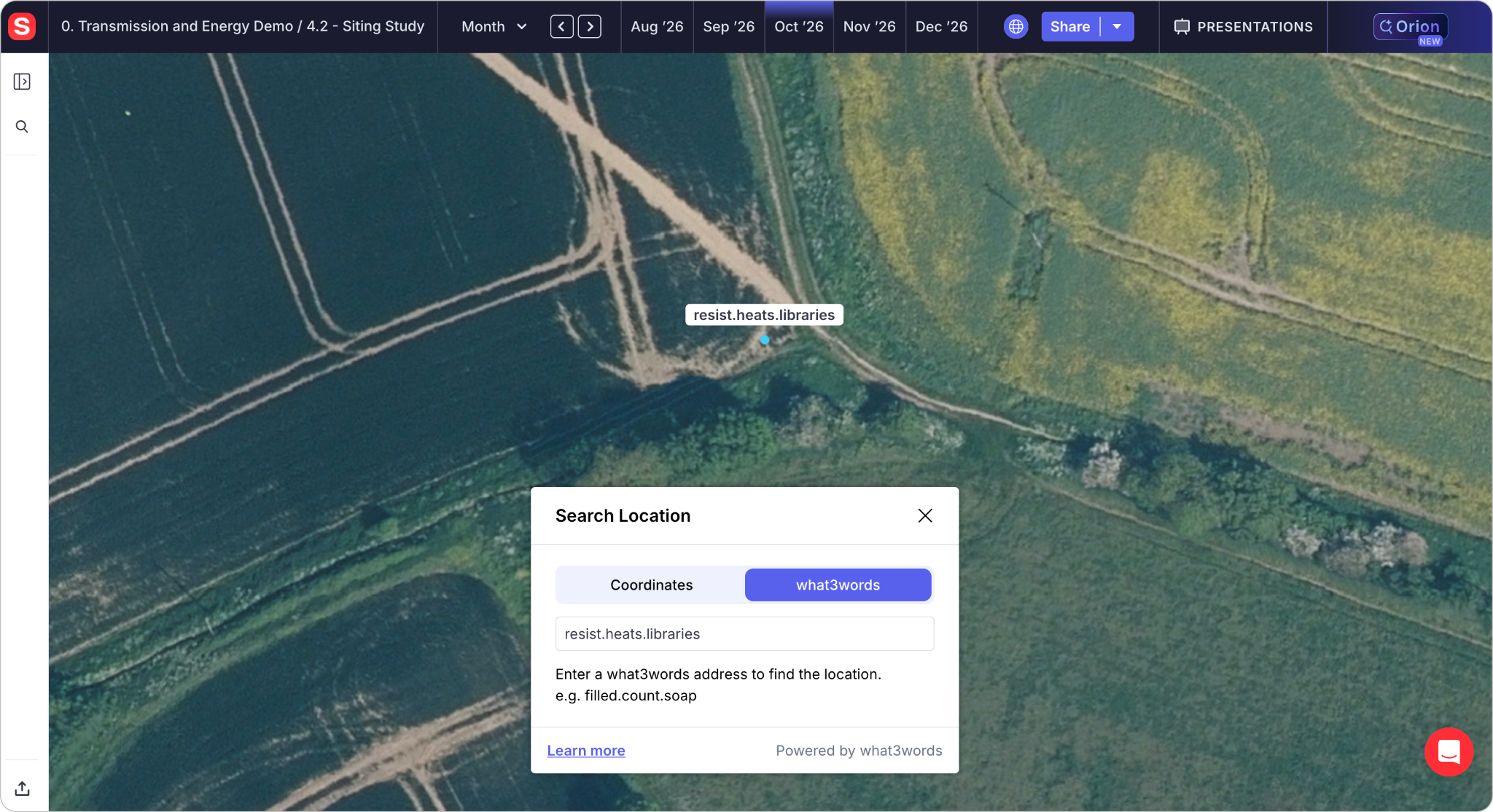
- Search by address. Location search now sits in the toolbar, with a what3words tab alongside Coordinates. Start typing and suggestions appear as you go. Click Search and Sensat flies you to the spot and highlights the 3m square.
What it means for your projects
- One location everyone understands. The team out on site and those back at the office all point to the same 3m square.
- Fewer handover errors. Three words are far easier to read out, text or write down than a string of numbers - we’re not robots.
- Faster when it matters. Something down? In an emergency, a control room can take an incoming 3-word address, see it in the model and send a precise location back out.
- Nothing to relearn. Coordinates work exactly as before and what3words is there for the teams who use it.
Switch it on
what3words is available as an add-on for Sensat organisations. Once enabled, it works across all your projects. Read the help article to see it in action.
To add it to your account, speak to your customer partner or book a demo.
what3words is a registered trademark of what3words Limited.